Guide to validating SEPA files and avoiding bank errors
2026-02-12
Validating a SEPA file means, in short, making sure it meets all the technical and content requirements so your bank processes it first time with no surprises. It is a thorough check that avoids whole batches being rejected—whether payrolls, supplier payments or customer direct debits.
This check saves you from unexpected fees, delays that throw your cash flow off, and the administrative chaos of a failed transaction.
Why validating your SEPA files is a business strategy
When a bank returns a batch, it is not just a technical failure. It is a direct blow to your cash flow.
Put yourself in this situation: you send the payroll file and, hours later, it is rejected because of a format error that seemed minor. The result is that your employees do not get paid on time, trust is damaged, and the finance team has to redo everything under time pressure. Believe me, this scenario is far more common than you might think, and the worst part is that it is entirely avoidable.
That is why validating a SEPA file is not a bureaucratic formality but a smart move to protect your treasury. It is about catching the same errors the bank’s systems will flag, saving time, money and a lot of headaches along the way.
The real cost of skipping validation
Sending a file with errors may seem like a small oversight, but the operational and financial impact behind it is serious. The consequences go far beyond having to fix a simple file.
Below is a table summarising the most common hidden costs.
Hidden costs of not validating a SEPA file
| Common Error Type | Immediate Operational Impact | Potential Financial Cost | Preventive Solution |
|---|---|---|---|
| Incorrect or non-existent IBAN | Immediate rejection of the individual transaction. | Bank fee per failed transaction (€0.20 to €0.50). | Verify check digits and IBAN existence before generating the file. |
| Invalid XML format (XSD) | The bank rejects the entire batch and processes no operations. | Opportunity cost from delayed payments/collections plus return fees. | Use validation tools that check structure against the official schema. |
| Total mismatch | The file is rejected due to inconsistency between control total and sum of transactions. | Hours of finance team work to find and correct the mismatch. | Automate control total calculation to avoid human error. |
| Mandatory fields left empty | Rejection of the affected transaction due to missing essential data (name, identifier, etc.). | Impact on relationship with customer/supplier due to failed payment. | Configure management software so it cannot generate files with key fields blank. |
As you can see, a small error can quickly escalate.
In the Spanish context, accuracy has become critical. Instant transfers already account for almost 25% of all euro transfers according to first-quarter 2025 data, and they do not forgive mistakes. In this environment, one error triggers an automatic rejection and can lead to fees of up to €0.50 per transaction. To dig deeper into these trends, see the latest report from the National Payments Committee.
Validating a SEPA file is like the final check a pilot does before take-off. It is the last safety control that ensures your payment operation reaches its destination without turbulence, protecting both your money and your reputation.
The technical structure of the SEPA XML file, uncovered
Think of a SEPA file as a document written in a very strict language that only banks understand: XML format. Imagine it as the grammar and spelling of a language. If you make a mistake, however small, the message becomes unintelligible and the system rejects it outright.
So the first and most fundamental validation is to check that this “grammar”, technically known as the XSD schema (XML Schema Definition), is followed to the letter.
This structural check is the first filter applied by any banking system. Before even looking at amounts or IBANs, the bank’s software checks that the file’s skeleton is correct. If an XML tag is not closed properly, a mandatory field is missing, or information blocks are in the wrong order, the entire batch is invalidated.
This simple diagram will help you visualise how a valid SEPA file flows from submission to a positive impact on your cash flow.
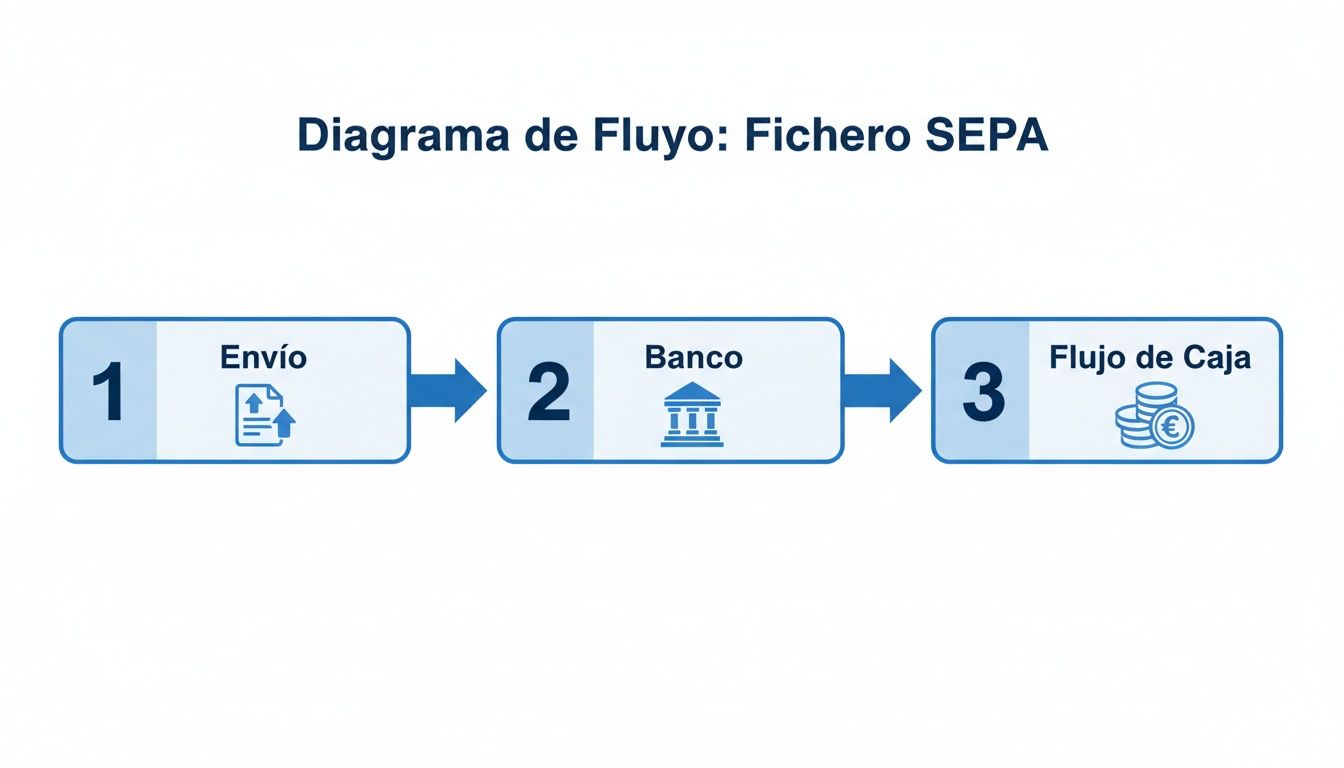
As you can see, initial validation is a critical step. Without a well-structured file, the process stops at the root and never even reaches the processing phase, blocking your cash flow completely.
The most common formats and their rules
Not all SEPA files are the same. Each type of operation has its own format, and using the wrong one is a guaranteed reason for rejection. The most common you will come across are:
- pain.001: Used for credit transfers, such as payroll or supplier payments.
- pain.008: Designed for direct debits, i.e. collecting payments from your customers.
Bear in mind that these formats evolve. For example, version pain.001.001.09 is the latest for transfers and introduces fields for structured addresses, which will become mandatory from November 2026. Using an outdated version can make your file incompatible with the most up-to-date banking systems.
To see how a file is organised in practice, take a look at this SEPA XML file example to get familiar with the tags.
Typical structural errors and how to spot them
In practice, the most common failures are often not in the data but in the XML structure itself. A simple slip can invalidate a batch with hundreds of transactions.
XSD validation is an all-or-nothing check. There is no room for interpretation. A file is either 100% valid or 100% invalid; a single misplaced character can cause the entire batch to be rejected.
Some errors we see again and again are badly nested tags, use of disallowed special characters (such as ‘ñ’ or ‘&’) without correct encoding, or omission of whole blocks of information.
A very useful skill for diagnosing complex issues is learning how to import XML files into Excel for analysis. Catching these faults before sending the file will save you the time, money and hassle of managing a returned batch.
How to ensure payment and collection data is correct
Having a flawless XML structure is only half the job. A SEPA file can pass the technical filter with no problem, but if the payment data it contains is wrong, the bank will reject it. And that is where a simple human error can directly affect your treasury.
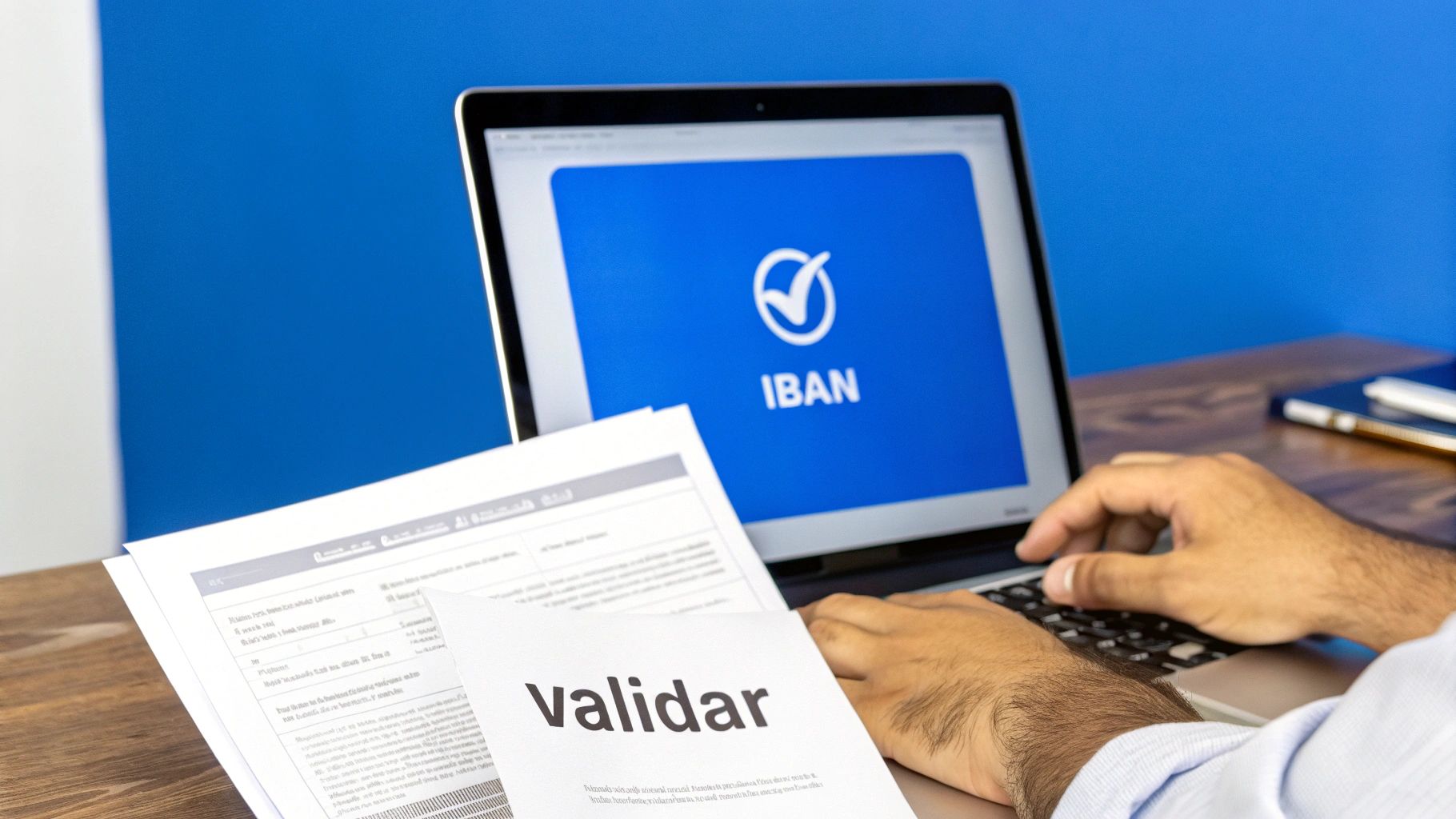
The most typical, and often most costly, mistake is a mistyped IBAN. This error not only causes that specific transaction to be rejected and triggers bank fees; it can have worse consequences. If that wrong IBAN happens to belong to someone else, the money could end up in the wrong account. Recovering those funds is a long process and, to be honest, not always successful.
Beyond the IBAN: verification of the account holder
To make life harder for fraud and errors, banks are starting to use systems that cross-check the IBAN with the account holder’s name. This service, known as Verification of Payee (VoP), will be mandatory for EU institutions from October 2025.
The mechanism is simple. When you are about to send a transfer, your bank will ask the destination institution whether the name you have entered matches the real account holder. The response is almost immediate:
- Full match: Perfect. The data is correct.
- Partial match: There may be a small typo or a missing second surname. The system warns you.
- No match: The data is completely different. That is when the alarm is raised.
Even if the system lets you proceed with the payment when there is no match, ignoring this warning is playing with fire. You would be authorising an operation with a very high probability that the money does not reach the right person.
The critical importance of direct debit mandates
When it comes to direct debits (pain.008 files), things get serious with validating SEPA mandate data. The mandate is simply the authorisation your customer gives you to collect from their account.
Each mandate has a unique reference, and it is essential that it is correct on every collection you issue. An error in this reference and your customer’s bank will not find the authorisation and will reject the collection immediately. Understanding how the reference on a SEPA collection works is vital for securing your recurring income.
But that is not the only thing to watch. Other mandate details are equally important:
- Signature date: It must always be before the date of the first collection.
- Mandate type: You must specify whether it is a recurring collection (
RCUR) or a one-off (OOFF).
A mistake in any of these fields can bring the collection down. Worse, it creates distrust with your customer, who may think you are trying to charge them without permission.
SEPA regulation keeps evolving to make transactions safer and more precise. A good example is the move towards structured addresses in files. In Spain there is a deadline: 22 November 2026. From that date, unstructured addresses will be prohibited. This change forces companies to adapt their systems to avoid a wave of rejections; it is estimated that up to 15% of current batches could fail without this adaptation.
Control totals and amounts for perfect reconciliation
You could have a flawless XML structure and all correct payment data, but if the figures do not add up, your SEPA file will be rejected. This is a critical, often underestimated point where pure maths becomes the last filter before your batch is accepted.
We are talking about the sum check, a check that banks perform automatically and that does not forgive the slightest mistake.
The rule is simple but inflexible: the sum of each and every transaction in the file must match, to the cent, the total amount you declare in the header. The system looks at two key fields for this check:
<CtrlSum>(Control Sum): Literally the sum of the amounts of all operations in the batch.<NbOfTxs>(Number of Transactions): Indicates how many individual transfers or direct debits the file contains.
If either of these figures does not match the actual content of the file, the bank’s system will detect it immediately and return the entire batch. It makes no difference whether the error is one cent or thousands of euros; to the system, the inconsistency is the same and the result is immediate rejection.
The cost of a simple calculation error
Consider a scenario that happens more often than you might think: sending the payroll batch. The finance department prepares a file to pay 50 employees. Because of a small human error when adding the amounts in a spreadsheet, the total amount entered in the <CtrlSum> tag is 12 cents lower than the real sum of all salaries.
The file is sent to the bank. Even though all 50 IBANs are correct and the XML is well formed, the system sees the mismatch and rejects it outright. The consequences? No employee gets paid, the finance team has to find the error in a hurry, and a small internal trust crisis is created over something that could have been avoided.
This type of validation is actually a safety net. It protects you from typos, Excel formulas that were not updated correctly, or simple mistakes that could result in duplicate or incomplete payments. It is a simple check but incredibly effective for ensuring the integrity of your operations.
Total reconciliation is not optional. It is the final proof that the data you send is consistent and reliable, acting as an automatic safeguard against the costly human errors that can creep in when preparing a batch.
So before sending anything, it is essential to verify that these control sums are exact. The safest way to avoid a slip paralysing your payments or collections is to use tools that calculate these totals automatically when generating the XML file, such as an online SEPA validator. That way you remove one source of problems.
Tools and methods to automate SEPA validation
If you have ever validated files by hand, you know what to expect: a slow, repetitive process and, worse, a real factory for human error. A small mistake can paralyse your collections and payments for days. Fortunately, technology has moved on and there are now solutions to turn this task into an automatic, fast and, above all, secure process.
Many people start with free online validators. They are easy to find and can get you out of a spot for a one-off check, but they hide a huge risk to the security of your data. Would you really be comfortable uploading a file with your customers’ IBANs and personal data to a website that offers no guarantee of encryption? It is bad practice that can lead to serious compliance issues.
At the other extreme are professional cloud platforms, which offer a controlled environment designed from the ground up for financial management.
Comparison of validation solutions
Choosing a tool is not a decision to take lightly. You need to think about your real needs: the volume of operations you handle, the level of security you require and your team’s technical capability. It is not the same to review one file a month as to handle thousands of transactions every week.
To give you a clear picture, here is a quick comparison:
| Feature | Free Online Validators | Professional (SaaS) Platforms |
|---|---|---|
| Data security | Low. No guarantee of encryption or data deletion. | High. End-to-end encryption and automatic deletion policies. |
| Format support | Limited, usually XML only. | Wide, including Excel, CSV and even legacy formats such as AEB books. |
| Automation (API) | None. The process is 100% manual. | Full. Robust APIs to integrate validation into your own systems. |
| Advanced validation | Basic, often XSD structure only. | Complete: IBAN, BIC, mandates, control totals and business rules. |
| Cost | Free. | Subscription models scalable with usage. |
As you can see, the investment in a professional solution pays for itself quickly through the time you save and the errors you avoid.
The power of an end-to-end solution
A specialised platform like ConversorSEPA does not just tell you whether a file is right or wrong. It becomes the command centre from which you manage the full lifecycle of your batches. SEPA file validation is one of those tasks that is ideal for automating repetitive tasks, as it frees your team to focus on higher-value work.
For finance teams, the most obvious advantage is being able to turn a simple spreadsheet into a perfectly validated XML file in seconds.
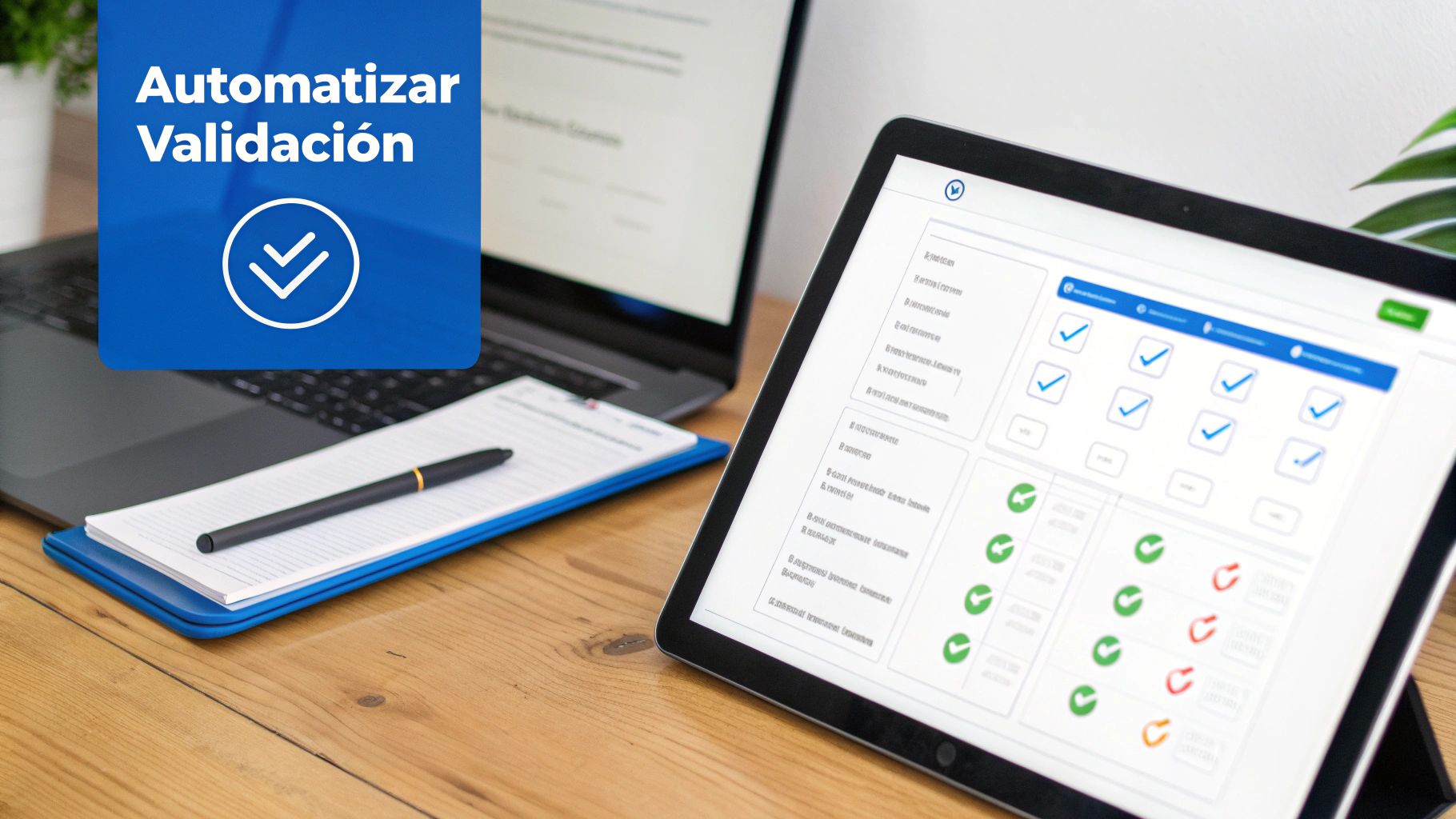
A good interface lets you “map” your Excel columns to the corresponding SEPA fields, so you never have to wrestle with XML code again. This democratises the process: anyone in the department can generate batches without technical knowledge.
For development teams, the key is a JSON API. This allows them to integrate SEPA file creation and validation directly into the ERP or any internal management software. The process becomes completely invisible to the end user. If that is your case and you need a little help, our SEPA converter guide will give you more pointers.
Adopting a professional tool is not just about changing software; it is about changing the finance department’s mindset: from reactive, fixing errors, to proactive, preventing them from the start.
Frequently asked questions about SEPA file validation
Even with all the information, very specific doubts always come up in day-to-day work. Here we answer some of the most common questions we get from companies that need to validate their SEPA files, so you can tackle issues as soon as they appear.
What do I do if my bank rejects the file but does not tell me the exact error?
It is a frustrating scenario and, unfortunately, more common than we would like. Many banks simply return generic error messages like “Incorrect format” without further detail. When this happens, the first step is to go back to basics and review the critical points.
- Validate the XSD structure: Use a reliable validator to confirm that the file’s skeleton is correct. You would be surprised how often this is the root cause.
- Check the totals: Make sure the
<CtrlSum>and<NbOfTxs>fields match to the cent and to the exact number of transactions in the batch. A small discrepancy invalidates everything. - Look for unusual characters: Sometimes characters like ‘ñ’, ‘&’ or accented letters can corrupt the file if encoding is not correct (UTF-8).
If the error persists after checking this, the cause is very likely a specific business rule of your bank.
A practical tip that works wonders: create a test file with a single transaction. If it works, you know the problem is in the data of one of the other operations. If it also fails, the error is in the structure or the file header.
Can you validate a SEPA file created from Excel?
No, not directly. An Excel file (.xlsx or .csv) and a SEPA file (.xml) are like oil and water; they do not mix. The bank only understands XML, so the first step is always to convert that Excel into a SEPA XML file that follows the regulation to the letter.
That is where specialised tools become essential. They let you upload your spreadsheet and turn it into valid XML automatically, calculating control totals and ensuring the structure is correct. Believe me, trying to do this by hand is a sure recipe for disaster and wasted time.
Why is my file valid at one bank but not another?
This is the classic situation that drives everyone mad. It usually happens because, although SEPA regulation is a European standard, each bank can apply its own “usage rules” or additional validations.
For example, one bank might be stricter about the maximum length of the concept field, while another might require a specific format for the mandate reference. So a file that passes the XSD validator is not 100% guaranteed to be accepted by the bank. The ideal is to use a platform that already knows the particularities of the main Spanish institutions, because it will save you a lot of headaches.
With the right tools, you can move from the uncertainty of bank rejections to the peace of mind of knowing that every batch will be processed without problems. At ConversorSEPA we have built a cloud platform that converts your Excel or CSV files into valid XML ready to send, automating all these checks for you.
Try our tool and speed up your payments and collections today